The Speed-First AEO Playbook: Why We Moved Off Squarespace to Astro + Cloudflare Pages (and What It Took to Hit 100/100 PSI)
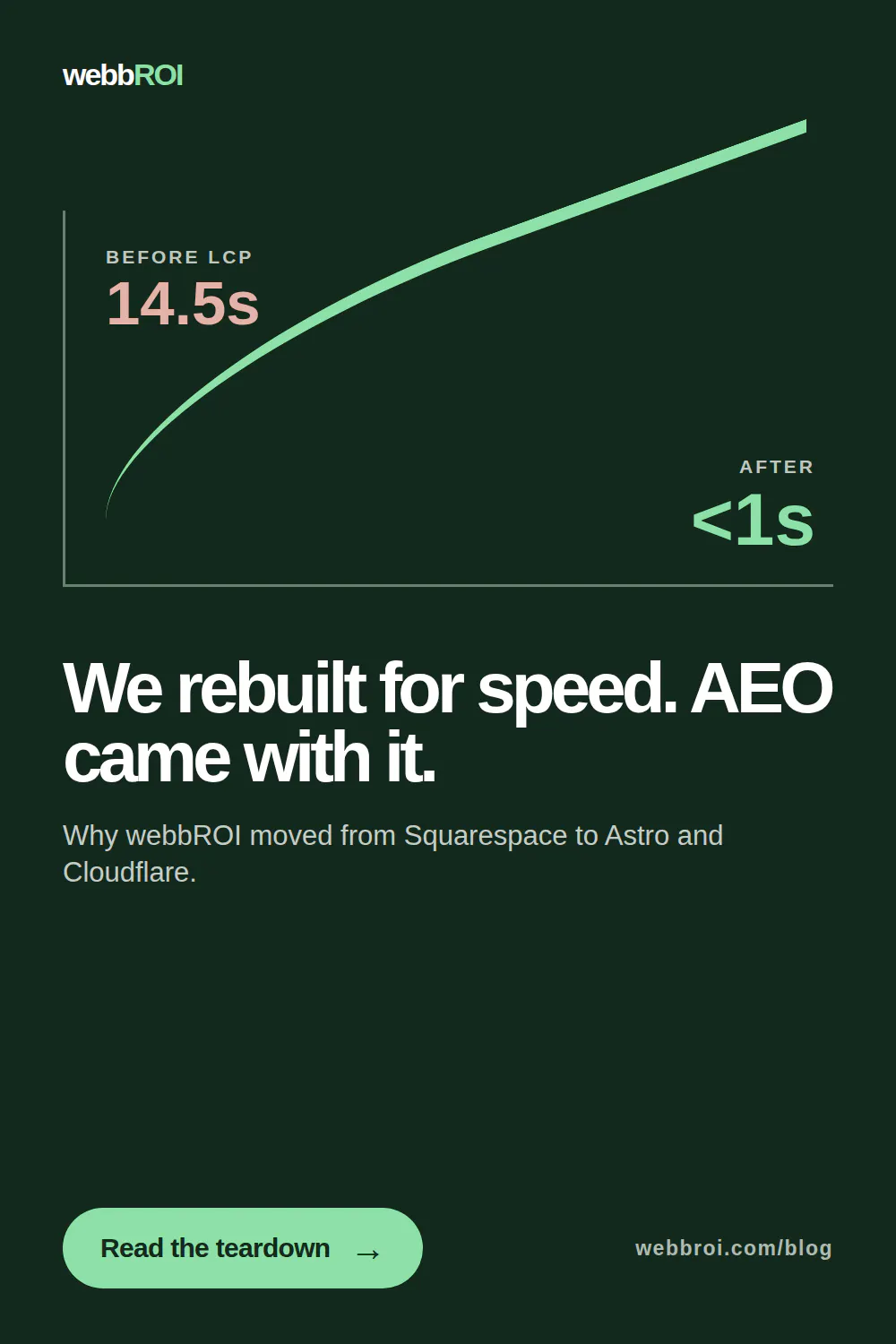
We moved webbroi.com off Squarespace onto Astro + Cloudflare Pages. Mobile PSI went from 65 to 100. JavaScript bundle dropped from 1.24 MB to zero render-blocking bytes. LCP dropped from 14.5 seconds to 1.7 seconds on mobile. Then we ran an AEO audit on the new stack so ChatGPT, Perplexity, and Google AI Overviews could actually cite it.
This post covers both halves: the migration itself, and the repeatable AEO audit we now run on every Astro build we ship for clients.
Part 1 — Why We Moved (and When You Should)
Squarespace is a capable platform for most small business sites. We build on it for clients every week. But there's a performance and control ceiling — and once you hit it, no amount of theme tweaking or code injection gets you through.
We hit it on our own site.
The Squarespace ceiling — in numbers
The webbroi.com site on Squarespace 7.1 (Fluid Engine):
- Mobile PSI: 65 (variable, sometimes 70, sometimes 58)
- Desktop PSI: 84
- LCP mobile: 14.5 seconds
- JavaScript bundle: 1.24 MB, ~600 KB of it render-blocking
- Third-party requests: 40+ on cold cache, many from platform-injected analytics and font services
We were paying $65/month (Commerce plan) to serve a mostly-static marketing site. And we couldn't fix the speed without leaving the platform.
The four ceilings that force a migration
If your site is hitting any of these, it's worth looking at a platform move:
1. Page speed ceiling. The Squarespace JS bundle isn't removable. The theme framework, Fluid Engine editor runtime, and site-chrome scripts ship together. If mobile PSI matters to your business and you're stuck below 70, this is where you plateau.
2. Schema control ceiling. Squarespace injects its own JSON-LD (Organization, WebPage). You can add more via code injection, but you can't remove or fully override the platform's markup. For AEO, where FAQPage and Service schema drive citation eligibility, this is a real limit.
3. AEO scale ceiling. llms.txt, per-page canonical control, robots.txt custom rules, server-side rendering of all content — Squarespace handles some of this. Not all.
4. Cost ceiling. Business and Commerce plans run $23–$65/month. Astro on Cloudflare Pages runs $0–$5/month for most sites.
If you're not hitting any of these, stay on Squarespace and put the migration budget elsewhere. But if you're hitting even two of them, the math starts working for a move.
What we moved to
- Framework: Astro 5.x (static output, content collections for the blog)
- Hosting: Cloudflare Pages (free tier — the whole site fits)
- Fonts: Self-hosted from `/public/fonts/`
- Forms: Formspree endpoint (no server-side handling needed)
- Schema: Custom JSON-LD in the Astro Base layout — full Organization, WebSite, FAQPage, Article, and BreadcrumbList control per page type
- CDN caching: `_headers` file for `Cache-Control` policies at the edge
The migration in 5 phases
Phase 1 — Inventory and redirect map. Every URL exported from the sitemap, mapped to its Astro equivalent, documented in a `_redirects` file. Missed redirects = lost rankings. This is the phase most teams underinvest in.
Phase 2 — Astro scaffold. Base layout with the Head component managing meta, canonical, schema, and OG tags per page. Content collections for the blog. TypeScript for type safety on frontmatter.
Phase 3 — AEO setup. Schema per page type. llms.txt at `/public/llms.txt`. robots.txt allowing GPTBot, PerplexityBot, ClaudeBot, Google-Extended, CCBot. Direct-answer H1s and FAQ blocks on every money page.
Phase 4 — Cloudflare Pages deploy. GitHub repo connected. Build command `npm run build`, output `dist`. Custom domain added, DNS pointed. First deploy: 9 seconds.
Phase 5 — Post-launch. Sitemap submitted in GSC. URL Inspection on top 10 pages to request indexing. Coverage report monitored daily for the first two weeks.
The results
After the migration, one week later:
- Mobile PSI: 100
- Desktop PSI: 100
- LCP mobile: 1.7 s
- LCP desktop: 0.4 s
- CLS: 0.006
- TBT: 0 ms
- JS bundle: 0 KB render-blocking
- Third-party requests: 3 (analytics only, deferred)
The site loads before your finger leaves the tap target.
Part 2 — The AEO Audit We Now Run on Every Astro Build
Speed is a prerequisite for AEO, not the goal. Once webbroi.com was fast, we needed to make sure it was citable — that ChatGPT, Perplexity, Gemini, and Google AI Overviews would actually pull our content into their answers.
Here's the checklist we now run on every Astro build we ship for clients. It applies to any stack, but the fixes are especially straightforward on Astro because you have full control of the `<head>` and content structure.
Step 1 — AI crawler access
AI engines can't cite pages they can't read. Verify your site isn't blocking them.
robots.txt. Fetch `https://yourdomain.com/robots.txt`. Confirm none of the following are disallowed: `GPTBot`, `PerplexityBot`, `ClaudeBot`, `anthropic-ai`, `Google-Extended`, `CCBot`. A single `Disallow: /` under any of these blocks that crawler completely.
llms.txt. Fetch `https://yourdomain.com/llms.txt`. If it 404s, you're missing a low-cost, high-signal file. llms.txt gives AI models a structured summary of your site's key pages and preferred framing — the difference between an AI guessing what your site is about and knowing.
JavaScript rendering. AI crawlers often skip JavaScript execution entirely. If your content is only visible after JS runs, it may be invisible to them. Test by fetching your page with `curl` and checking whether the main content appears in the raw HTML response.
Step 2 — Structured data
Schema markup gives AI engines pre-parsed, trusted data. Without it, they have to infer everything from your prose — and they often get it wrong.
Organization schema on the homepage: `@type: Organization` with `name`, `url`, `description`, `sameAs` links to verified social profiles. This is the foundational signal AI engines use to identify and trust your brand.
FAQPage schema on any page with Q+A content: `@type: FAQPage` with `acceptedAnswer.text` for each question. AI engines lift these directly into answers. A heading with no answer text underneath produces no signal.
Service or Product schema on service and product pages: declares what you offer so AI engines can match you to relevant queries.
Validation: Run everything through Google's Rich Results Test and Schema.org's validator. Errors and warnings reduce trust.
Step 3 — Content answer-shaping
This is the highest-leverage step. AI engines cite pages that answer questions clearly, near the top, in plain language.
For each key page, ask:
- Does the H1 contain or match a real question your buyer asks? Category labels (`Web Development Services`) don't get cited. Direct answers (`How to migrate from Squarespace to Astro`) do.
- Is there a direct-answer paragraph in the first 100 words? The answer to the page's core question should appear before any preamble, backstory, or navigation copy.
- Does each H2 or H3 ask a question and answer it in the paragraph below? The H2 + paragraph pair is the unit AI engines extract. Headings with no answer copy underneath them produce nothing.
- Is there an FAQ block? A dedicated FAQ section with 5–15 Q+A pairs — each answer 40–60 words — gives AI engines multiple extraction targets on a single page.
- Is the prose declarative and specific? Vague marketing language never gets cited. Specific claims (`Median mobile LCP improvement: 14.5s → 0.8s`) do.
Step 4 — Page speed
Page speed is a prerequisite for AEO, not a bonus. Slow pages get crawled less frequently, and AI engines that reach them may time out before parsing the content.
Targets for any AEO-serious site:
- Mobile PSI ≥ 85 (aim for 90+)
- Desktop PSI ≥ 95
- LCP < 2.5 s on mobile
- CLS < 0.1
- TBT < 200 ms
If you're on Squarespace, the JS bundle and lack of control over render-blocking resources make hitting these difficult without a rebuild. If you're on a static stack like Astro, these targets are achievable without heroics.
Step 5 — Citation tracking
Citation tracking is the only metric that tells you whether the rest of the audit is working.
Manual spot checks. Search your target queries in ChatGPT, Perplexity, Gemini, and Google AI Overviews. Is your brand named? Is your content quoted? Is your URL linked? Do this for 5–10 priority queries and record the results monthly.
Non-branded queries matter most. Branded queries (`WebbROI AEO`) confirm awareness. Non-branded queries (`best AEO agency for small business`) are where new revenue comes from. If you're only cited on branded queries, you have an awareness problem, not a citation problem.
GSC as a proxy. Google Search Console impressions for your target queries are a reasonable proxy for AI Overviews inclusion, since AI Overviews draw from indexed content.
Prioritization
Not every finding carries equal weight:
1. Unblock AI crawlers first. A blocked crawler makes every other fix irrelevant.
2. Add Organization + FAQPage schema. High impact, low effort, ships in one commit.
3. Fix direct-answer content on your top service pages. Restructure, don't rewrite.
4. Add llms.txt if missing.
5. Fix page speed if below targets.
6. Build citation tracking into monthly reporting.
Part 3 — The Astro-Specific Speed Wins Worth Knowing
Astro is fast by default, but a few specific choices made the difference between 90 and 100 on PSI.
Self-hosted fonts. Download the `.woff2` files, serve from `/public/fonts/`, add `font-display: swap`. Eliminates a render-blocking cross-origin request and a DNS lookup. On our migration, this alone moved LCP down by ~400ms.
Zero client JS by default. Astro's static output ships no JavaScript unless you explicitly add islands via `client:load` or `client:idle`. Most business sites don't need any. If you do, use `client:visible` to defer until the component enters the viewport.
Cloudflare edge caching. HTML served from the edge, not the origin. In `public/_headers`:
/blog/*
Cache-Control: public, max-age=3600, s-maxage=86400
/fonts/*
Cache-Control: public, max-age=31536000, immutable
No above-the-fold third-party scripts. Analytics loads deferred with `defer` or `type="module"`. No tag manager firing on initial paint. If you need consent-gated tracking, use a partytown island so it runs off the main thread.
Astro Image component. Use `<Image>` from `astro:assets`. WebP output with explicit `width` and `height` on every image. Eliminates CLS.
Preload only what matters. One critical font, one hero image. Not fifteen preload tags. Over-preloading blocks the browser as much as under-preloading.
When to migrate
Migration is a real project — plan for 3–5 days of focused work on a straightforward 5–15 page site, longer if you have ecommerce or 100+ blog posts to move. Don't do it because it sounds fun. Do it because:
- Your platform speed is capping conversion or ranking
- You need full schema control for AEO
- You're spending more on the platform than a static host would cost you
- Your team can maintain a Git-based deploy workflow
If those criteria don't match your situation, stay put and put the budget into content and conversion instead.
If they do match — the toolchain (Astro + Cloudflare Pages) is mature, cheap, and gives you speed and AEO control you cannot get on a hosted CMS.
This post is a condensed version of two longer pieces on the WebbROI blog: Why we moved off Squarespace to Cloudflare and How to run an AEO audit. WebbROI is an AEO + web development agency specializing in Astro + Cloudflare Pages builds and Squarespace-to-Astro migrations. Get a fixed-price AEO audit.
Ready to Build a Website That Works for You?
Let’s talk about your goals and see how we can create a website that supports your marketing, saves your team time, and grows with your business.